
Age Calculator
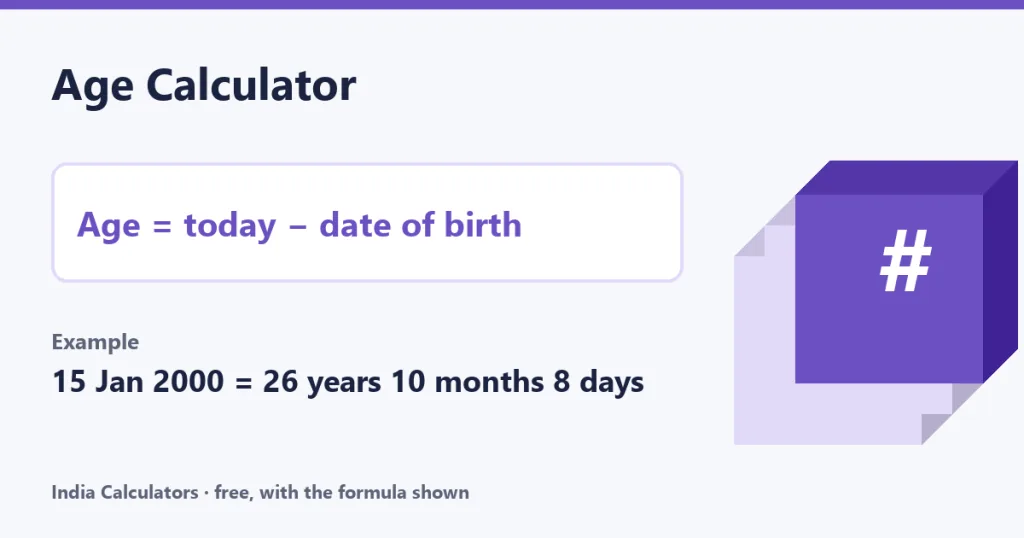
Age calculator: exact age in years, months and days
This age calculator counts whole years from your date of birth, then whole months, then the remaining days, to today or to any date you pick. It also shows your age in days and the days left to your next birthday, and handles leap years.
How to use the age calculator
- Pick your date of birth.
- Leave ‘Age on’ as today, or choose another date (for example the cut-off date in a job or exam form).
- See your age in years, months and days, total days, and days to your next birthday.
Age on a cut-off date
Government job and exam notices often fix age ‘as on’ a date such as 1 January or 1 August. Enter that date in ‘Age on’ to check eligibility.
Age as on a date: examples
| Date of birth | Age as on 1 Jan 2027 |
|---|---|
| 1 Jan 2000 | 27 years 0 months 0 days |
| 15 Aug 2005 | 21 years 4 months 17 days |
| 29 Feb 2004 | 22 years 10 months 3 days |
Leap-year birthdays
If you were born on 29 February, your birthday falls on 1 March in non-leap years in this calculator. Some forms use 28 February instead; follow the form’s own rule.
Common age limits
| Purpose | Age |
|---|---|
| Voting | 18 years |
| Marriage (men / women) | 21 / 18 years |
| Sukanya Samriddhi account | girl under 10 |
| Central government retirement | 60 years |
Common mistakes
- Counting the birth year only (2025 − 2000 = 25) and ignoring whether the birthday has passed.
- Forgetting leap years: a 29 February birthday falls on 28 February or 1 March in other years, depending on the rule used.
- Using today’s date when the form gives a cut-off date.
Age cut-offs in common exams
Recruitment exams fix a date on which your age is checked. For example, the UPSC Civil Services exam checks age as on 1 August of the exam year, with a general-category range of 21 to 32 years and relaxations for some categories. Always use the date and limits in the official notification.
Age in other units
The calculator also shows your age in total days and weeks. To get months, multiply the years by 12 and add the months: 26 years 10 months is 322 months.
How we check this page
The calculator on this page runs the same code that is covered by 41 automated tests across the site, and its rules were checked against the official sources listed below on 24 November 2026. If a rule changes or you spot a mistake, email [email protected] and we will fix and re-date the page.
Frequently asked questions
How do I calculate my exact age?
Subtract your date of birth from today's date, counting full years, then months, then days; the calculator handles leap years.
How do I calculate age as on a specific date?
Set the 'Age on' date to the cut-off date in the notice.
How do I calculate age from date of birth?
Subtract the birth year from the current year, then take one year off if this year's birthday has not come yet. The age calculator does this to the day.
Related calculators
- Age Difference Calculator: The gap between two dates of birth in years, months and days.
- Marks Percentage Calculator: Total marks and percentage across all your subjects.
- Name Numerology Calculator: Your name number with the Pythagorean or Chaldean system.